Flat lay of workspace with open notebook, coffee, camera, laptop, and stationery for creative work.

About LuminAI's Approach to Photo Enhancement

LuminAI applies machine learning models trained on diverse image datasets to perform automated enhancement tasks. The system first analyzes each photo to identify areas with limited resolution, visible noise, or unbalanced color profiles. Using convolutional neural networks, it then applies a series of computational adjustments: interpolating missing pixel data, reducing random grain, and mapping color channels to a balanced spectrum. These steps are executed according to learned statistical patterns rather than fixed rules, meaning the output depends on the specific characteristics of the input image. The process is designed for transparency, allowing users to understand how each adjustment is applied.

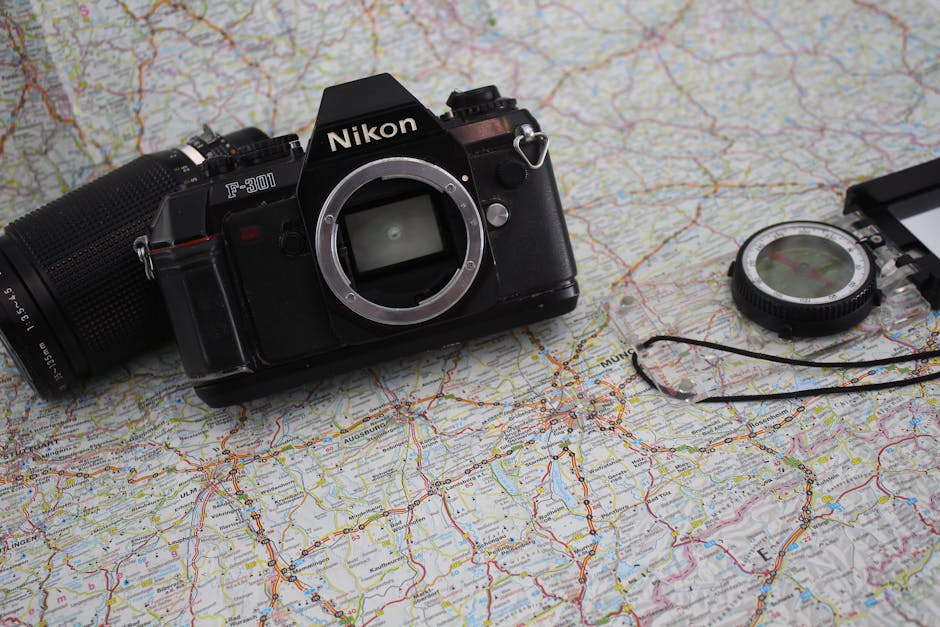
Explore with a vintage Nikon camera on a detailed travel map, perfect for adventure enthusiasts.

Key Enhancement Processes

  • Upscaling Pipeline

    Algorithms interpolate missing pixels by analyzing surrounding context and texture patterns.

  • Noise Reduction Method

    Statistical filters distinguish signal from random grain while preserving edge details.

  • Color Balancing Process

    Neural networks adjust hue and saturation based on learned lighting conditions.

  • Batch Workflow

    Apply the enhancement pipeline to multiple images with consistent parameter settings.

Understanding the Technology Behind the Process

The enhancement pipeline relies on deep learning architectures trained on thousands of image pairs. During training, the model learns to map low-quality inputs to higher-quality outputs by minimizing differences in pixel-level features. At runtime, the system performs a forward pass through the network, applying learned weights to each patch of the image. The result is a set of adjustments that are context-aware and non-destructive. Users can experiment with different processing levels while maintaining the original file.

The gallery below presents image pairs showing input and processed versions. Each example illustrates different aspects of the enhancement workflow, such as resolution increase, noise reduction, or color correction.

A brown envelope placed on a vintage world map, offering an adventurous theme.
Top view of a creative workspace with stationery and a vintage camera on a dark background.
Camera and printed photos arranged on a desk for creative photography exploration.
Flat lay of creative workspace with journal, instax camera, and grapefruit. Ideal for lifestyle and productivity themes.

Considerations for Optimal Use

The effectiveness of the enhancement process depends on several factors, including the original image quality, file format, and the specific settings chosen by the user. Images with heavy compression artifacts or extreme noise may require multiple passes. LuminAI provides adjustable parameters so that users can tailor the process to their specific needs. It is recommended to review outputs and compare them with originals to determine the most suitable configuration.

Get in Touch

If you have questions about the enhancement process or would like to discuss specific use cases, please reach out. We welcome inquiries from photographers and everyday users.

Send an Inquiry

LuminAI
LuminAI provides AI-based tools for photo enhancement. Our focus is on developing transparent, explainable image processing methods that respect user control.
555 California Street, San Francisco, CA
Privacy Policy Terms of Use
© 2026 LuminAI. All rights reserved.

We use cookies

We use cookies to ensure the proper functioning of the website, analyze traffic, and improve your experience. You can accept all cookies or reject them — the site will continue to operate. For more details, read our Cookie Policy.